How to Register Your AnyDesk License Key: A Step-by-Step Guide for Businesses
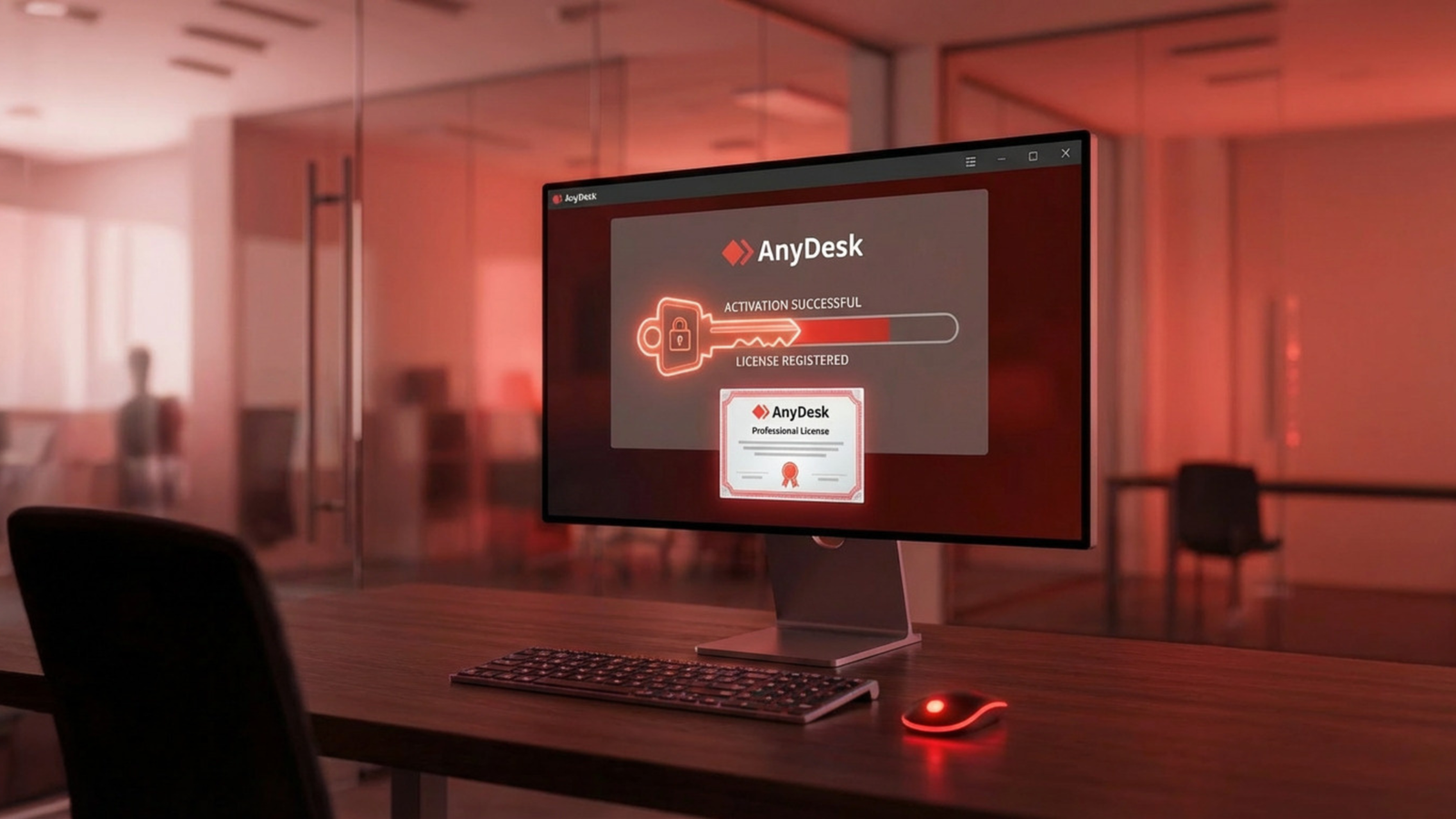
So you’ve purchased an AnyDesk license through AdvanzaTech great choice. Before your team can take advantage of everything AnyDesk has to offer, there’s one important step left: activating your license key. This guide walks you through why it matters and exactly how to do it, whichever method suits your setup best.
Why License Activation Matters
Registering your AnyDesk license isn’t just a formality — it’s what turns AnyDesk from a basic remote access tool into a full business-grade platform. Once activated, your organization gets access to:
- No session limits – Licensed connections can run as long as you need, without interruption.
- Stronger security controls – Two-factor authentication, role-based permissions, Single Sign-On (SSO), and Namespace management all become available.
- Room to grow – Business and enterprise tiers support larger teams, more simultaneous sessions, and a growing number of managed devices.
- Centralized administration – IT admins can manage every connected device, control permissions, and build custom clients from a single management console.
- Fast, large-scale rollout – Deploy AnyDesk across your entire device fleet at once instead of installing and configuring machines one by one.
In practical terms, this means lower support overhead, tighter control over who can access what, and a smoother experience for IT teams managing remote systems across the UAE, KSA, and the wider Middle East.
Four Ways to Register Your License Key
There’s more than one way to activate your license, depending on your environment and how your team is set up. Here are your options.
Option 1: Paste the License Key Manually
- Log into your AnyDesk management account.
- Go to the License section.
- Copy your license key — make sure there are no extra spaces or line breaks.
- Open the AnyDesk client on the device you want to license.
- Click the menu icon (top right) and select Change License Key.
- Paste the key and confirm.
This is the most direct method and works well for individual machines or small teams handling activation themselves.
Option 2: Sign In Through the AnyDesk Client
If your license is already tied to your AnyDesk account, there’s no need to copy anything:
- Open the AnyDesk client and click the account/profile icon in the top-right corner.
- Sign in with your account credentials.
- The license activates automatically, and all licensed features unlock immediately.
This keeps licensing consistent across every device you sign into — ideal for teams who move between machines regularly.
Option 3: Activate Directly from the Web Console (Windows, v9.0.0+)
On newer Windows builds, you can trigger activation straight from the browser-based management console:
- Log into the management console.
- Open the License tab and select Register License Key.
- Confirm the action when prompted.
- Allow your browser to open the AnyDesk client — the license links automatically.
Option 4: Pre-License Custom Clients for Mass Deployment
For organizations rolling out AnyDesk across many devices — think branch offices, distributed teams, or large IT fleets — building a custom client is the most efficient route. When you generate a custom client, your license key is baked in automatically, along with your organization’s own branding and security policies. Every device gets a ready-to-use, fully licensed client with zero manual activation steps.
This approach is particularly useful for enterprises and MSPs managing dozens or hundreds of endpoints, since it removes the need to activate each device individually.
Need Help Activating or Deploying AnyDesk?
Whether you’re licensing a handful of devices or rolling AnyDesk out across your entire organization, our team at AdvanzaTech is here to help. As an authorized AnyDesk distributor across the UAE, Saudi Arabia and the wider Middle East, we support customers through licensing, mass deployment, and ongoing technical support — so your team can focus on getting work done, not troubleshooting activation.
Have questions about your license or need deployment support? Get in touch with our team and we’ll walk you through it.
Do I need to register my AnyDesk license key before using licensed features?
Yes. Purchasing a license is the first step, but the features only unlock once the key is activated on your device or account through one of the registration methods above.
Can I register the same license key on multiple devices?
Yes, as long as your license plan allows it. Business and enterprise tiers support multiple licensed users and managed devices — check your plan's device limit or ask our team to confirm what's included.
Does license registration require an internet connection?
Yes, activation requires an internet connection since the license key is verified against your account through AnyDesk's servers.
Who do I contact for AnyDesk licensing support in the UAE, Saudi Arabia and MEA?
As an authorized AnyDesk distributor in the region, AdvanzaTech handles licensing, deployment, and technical support — reach out to our team for assistance.